TL;DR
Scammers are calling members of the public pretending to be from the National Cyber Security Centre or other cyber authorities. The NCSC does not cold-call individuals. Reporting goes to Action Fraud and the genuine NCSC reporting service.
Scammers are calling members of the public pretending to be from the National Cyber Security Centre or other cyber authorities. The NCSC has confirmed that it does not cold-call individuals about security issues, and reports of the scam should go to Action Fraud and the genuine NCSC reporting service.
How the scam works
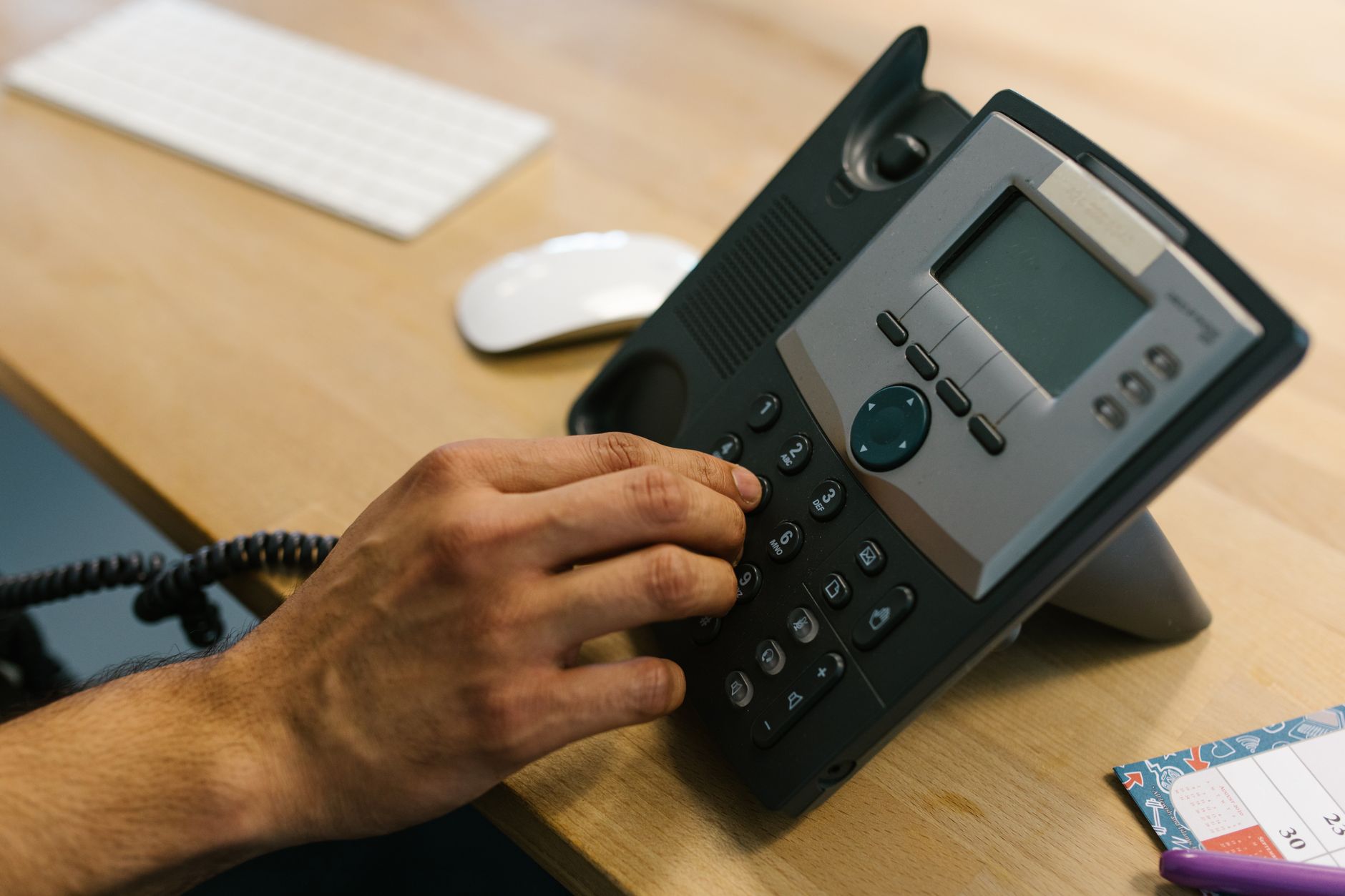
Callers claim to be from the NCSC, the UK's national cyber security authority, and tell the recipient that their computer has been compromised or that their personal data has been involved in a breach. The caller then asks for remote access to the device to fix the issue.
Other variants ask for an immediate payment to secure an account or to release frozen funds. Some callers pose as the Action Fraud team or the FCA in addition to the NCSC.
Red flags to spot
The NCSC does not contact members of the public by phone about a personal account. Genuine NCSC communications cover broad threats and guidance, not individual incidents.
Requests for remote access, payment by gift cards or cryptocurrency, or pressure to act immediately are all classic scam patterns. Genuine authorities give the recipient time to verify the caller before any action.
What to do if called
Do not give the caller any personal information or remote access to the device. Hang up and call the supposed organisation directly using a number from its official website.
Wait at least five minutes before making the return call to make sure the previous line has cleared, or use a different phone. Some scams keep the original line open and intercept the return call.
How to report the scam
Action Fraud is the UK's central reporting body for fraud and cybercrime. Report online at actionfraud.police.uk or by phone on 0300 123 2040. The line is open Monday to Friday 8am to 8pm.
Suspicious emails can be forwarded to report@phishing.gov.uk and texts to 7726. Each report contributes to the wider intelligence picture and supports take-down action against scam infrastructure.
Where to find official NCSC guidance
The NCSC website at ncsc.gov.uk publishes the latest threat alerts and consumer guidance. The Cyber Aware service at cyberaware.gov.uk provides plain-language steps for protecting personal accounts.
Citizens Advice on 0808 223 1133 also runs a consumer scams advice line. Local Trading Standards offices can take action against scammers operating in the UK.
Key facts
- NCSC does not cold-call about personal accounts.
- Action Fraud line is 0300 123 2040.
- Suspicious emails to report@phishing.gov.uk.
- Suspicious texts to 7726.
- Cyber Aware at cyberaware.gov.uk for guidance.
FAQ
Does the NCSC really call people?
No, the NCSC does not contact members of the public by phone about a personal account. Any caller claiming to be from the NCSC about your individual account is a scammer.
What should I do if I am called?
Do not give personal information or remote access. Hang up and call the supposed organisation back using a number from its official website. Wait at least five minutes or use a different phone.
Where do I report the scam?
Action Fraud at actionfraud.police.uk or 0300 123 2040. Suspicious emails go to report@phishing.gov.uk and texts to 7726. Each report contributes to take-down action against scam infrastructure.
Where can I get advice on staying safe?
The NCSC website at ncsc.gov.uk and Cyber Aware at cyberaware.gov.uk publish guidance. Citizens Advice on 0808 223 1133 runs a consumer scams advice line.