TL;DR
The NCSC has warned about a rise in phishing emails that embed a QR code instead of a clickable link. Scanning the code with a phone takes the recipient to a fake website. Reporting goes to report@phishing.gov.uk or 7726.
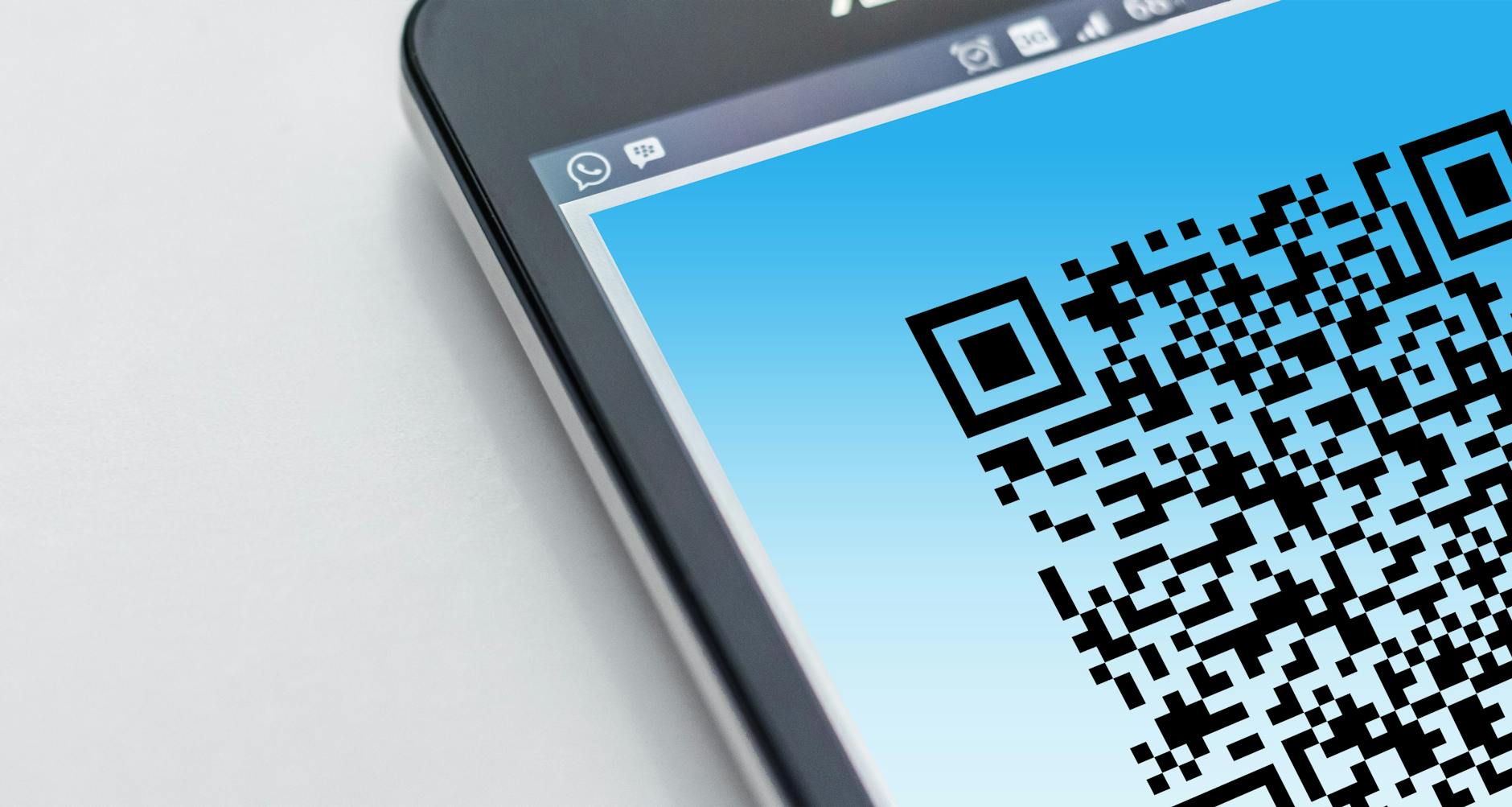
The National Cyber Security Centre has warned about a rise in phishing emails that embed a QR code instead of a clickable link. Scanning the code with a phone takes the recipient to a fake website designed to harvest passwords or payment card details, bypassing the email security tools that flag suspicious URLs.
Why QR code phishing has grown
Email security tools typically scan messages for malicious links and flag them before delivery. A QR code is an image rather than a link, so the underlying URL is hidden from automated scans.
Users typically scan QR codes with a phone camera rather than on the corporate device. That can take the user outside the protection of company VPNs and endpoint security tools onto a personal phone that may be less protected.
Common scenarios
Fake delivery notification emails asking recipients to scan a QR code to confirm a redelivery slot are common. The codes lead to a fake Royal Mail or DPD website that asks for a card payment to release the parcel.
Office printer or scanner notifications, supposedly arriving from the user's own work email, are another scenario. The QR code claims to lead to a scanned document but takes the user to a fake Microsoft 365 login page instead.
How to spot QR code phishing
Treat any unsolicited QR code with suspicion, particularly in email. Hover over any plain text link in the same email to check whether the URL is on a legitimate domain rather than a lookalike.
Go to the supposed sender's website directly through a browser bookmark or a known URL rather than scanning the code. Royal Mail, DPD and Microsoft never require a QR code scan from a personal phone to access an existing service.
How to report a scam
Suspicious emails can be forwarded to report@phishing.gov.uk, the National Cyber Security Centre's reporting service. The NCSC reviews the reports and takes down identified phishing sites.
Suspicious text messages can be forwarded to 7726, which spells SPAM on a keypad. Mobile networks investigate the reports and can block known scam senders.
If you have already clicked or scanned
Disconnect the device from networks and run a full antivirus scan. Change passwords for any accounts that may have been accessed, starting with email, banking and any shared password manager.
Contact your bank if any payment details were entered. The Stop Scams UK helpline on 159 connects directly to the bank's fraud team. Report the incident to Action Fraud on 0300 123 2040 or through actionfraud.police.uk.
Key facts
- QR codes bypass email link-scanning tools.
- Forward phishing emails to report@phishing.gov.uk.
- Forward scam texts to 7726.
- Stop Scams UK helpline is 159.
- Action Fraud reporting is at actionfraud.police.uk.
FAQ
How does QR code phishing work?
Scammers embed a QR code in a phishing email instead of a clickable link. Scanning with a phone takes the recipient to a fake website that harvests passwords or payment card details. The QR code bypasses email link-scanning tools.
How do I spot a QR code phishing email?
Treat any unsolicited QR code with suspicion. Hover over plain text links in the same email to check whether the URL is on a legitimate domain. Go to the sender's website directly through a bookmark rather than scanning.
Where do I report a phishing email?
Forward it to report@phishing.gov.uk, the NCSC's suspicious email reporting service. Suspicious texts go to 7726. Action Fraud is the central reporting body on 0300 123 2040 or at actionfraud.police.uk.
What if I have already scanned the code?
Disconnect from networks and run an antivirus scan. Change passwords for email, banking and shared password managers. Call 159 to reach your bank's fraud team if any payment details were entered.